Making a PDF smaller is usually a trade-off between delivery size and the information the file carries. A smaller document may upload more easily, take less storage, or fit a service limit. But a smaller byte count is not automatically a better document if important content becomes difficult to read or useful metadata disappears.
The current Filivox compression operation takes a deliberately narrow approach. It rewrites the PDF with object streams and removes document information fields such as title, author, subject, and keywords. It does not expose an image-quality slider or promise to improve a low-resolution scan.
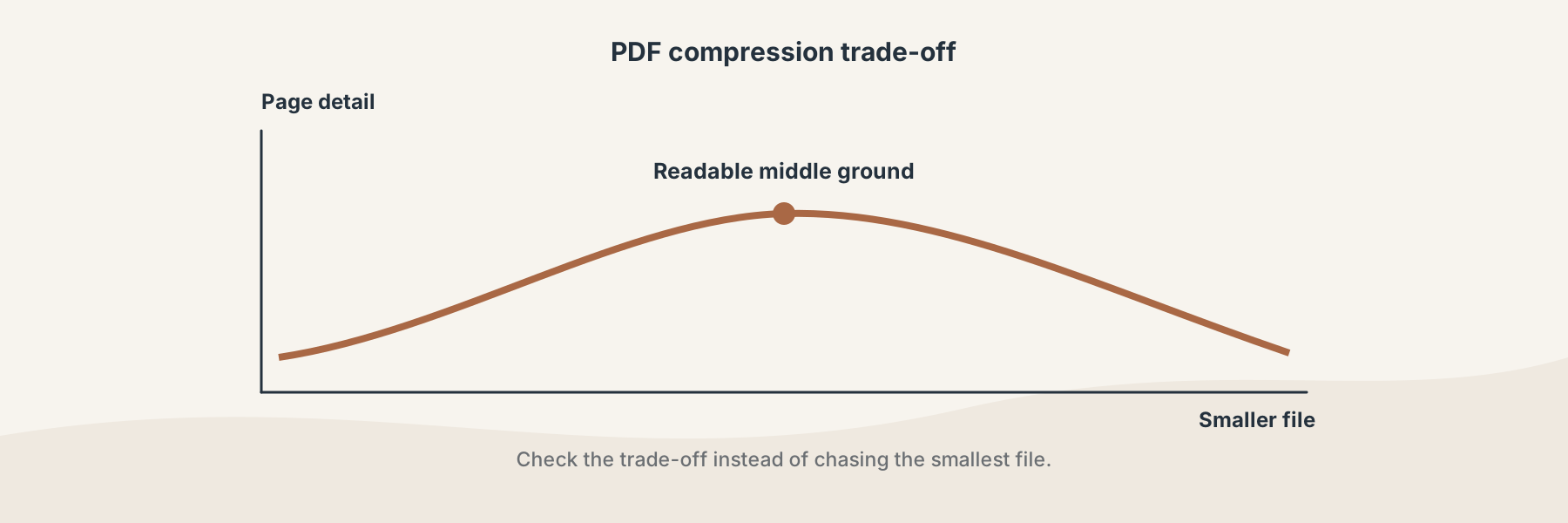
A useful compressed copy is small enough for its destination and still readable at the size people need.
What PDF compression can change
PDFs can contain page objects, fonts, images, forms, annotations, and document properties. Rewriting the file structure can remove overhead and reduce some metadata. The amount saved depends on how the original PDF was built; two files with the same page count can behave very differently.
Filivox does not rebuild the document as a set of low-resolution screenshots for this operation. That means the result is not based on a user-selected image-quality scale. It also means that a PDF dominated by large embedded images may not shrink as much as a PDF carrying a lot of structural overhead.
When a smaller PDF is worth having
A reduced copy is useful when a submission form rejects the original size, an email attachment is too large, or a document needs to be stored with less overhead. It is also useful for a copy that will be downloaded repeatedly and does not need to preserve every piece of descriptive metadata.
Compression is not the right first answer for every problem. If the page dimensions are wrong, use a page-size workflow. If a document contains unnecessary pages, remove those pages instead of asking compression to solve a content problem. If images are the main source of size, inspect their resolution and visual importance before deciding how much quality you can trade.
A practical review workflow
- Keep the original PDF. Treat it as the source of truth.
- Choose Compress PDF and run the operation.
- Compare the original and returned file sizes.
- Open pages with small text, diagrams, photographs, forms, or signatures.
- Check the document properties if they matter to your filing or archive process.
- Keep the compressed copy only if it still meets the destination's readability and workflow requirements.
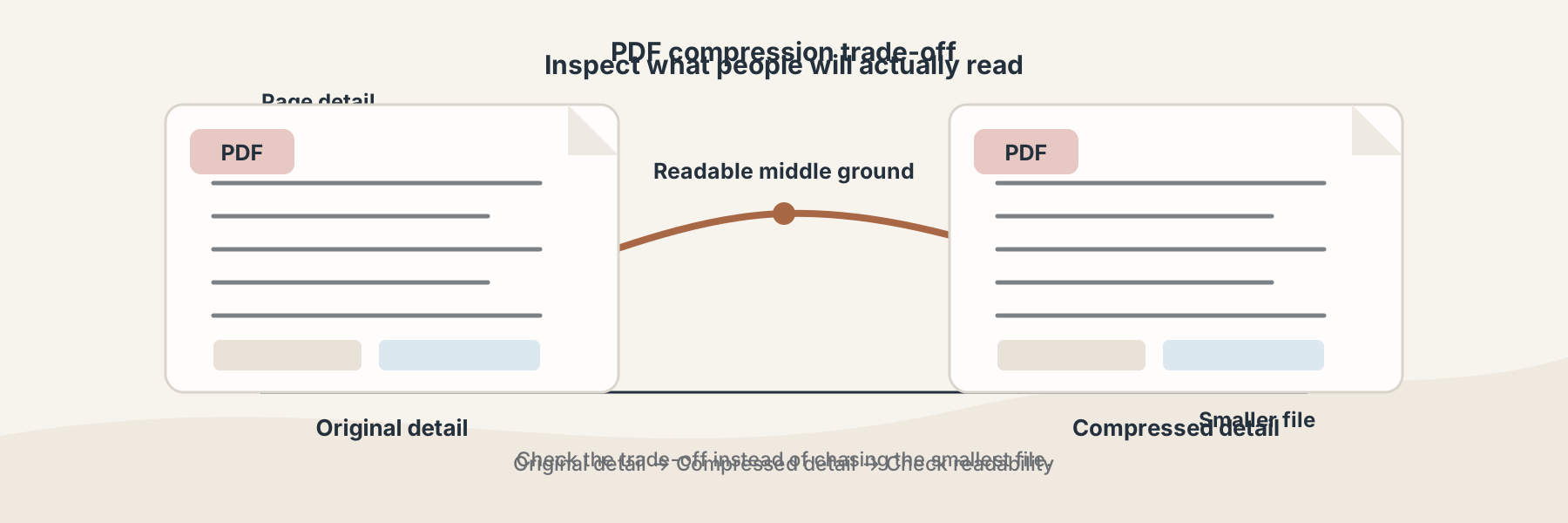
Check the details people will actually read, not only the number reported by the file system.
Compression versus optimization
People often use “compress” and “optimize” interchangeably, but the goal can differ. Compression focuses on a smaller deliverable. Optimization may be a better description when the main concern is how a document is structured for opening, delivery, or downstream processing.
Filivox exposes both Compress PDF and PDF Optimize as separate tool paths because the operations should not be treated as identical. The right choice depends on whether your problem is file size, document structure, or both.
Limitations
The current compressor does not guarantee a particular percentage reduction. It does not create detail that was absent from the source, and it does not replace a visual or legal review of an important document. A successful download only means that a PDF result was produced; you should still open it before sending it on.
For a basic size report, PDF File Size Checker can help you compare the source and a candidate result without changing the original.