PDFs can carry font resources used to draw their text. Those resources are part of how a page keeps its appearance when opened on another device. If a design or troubleshooting workflow depends on identifying those resources, extracting them can be useful.
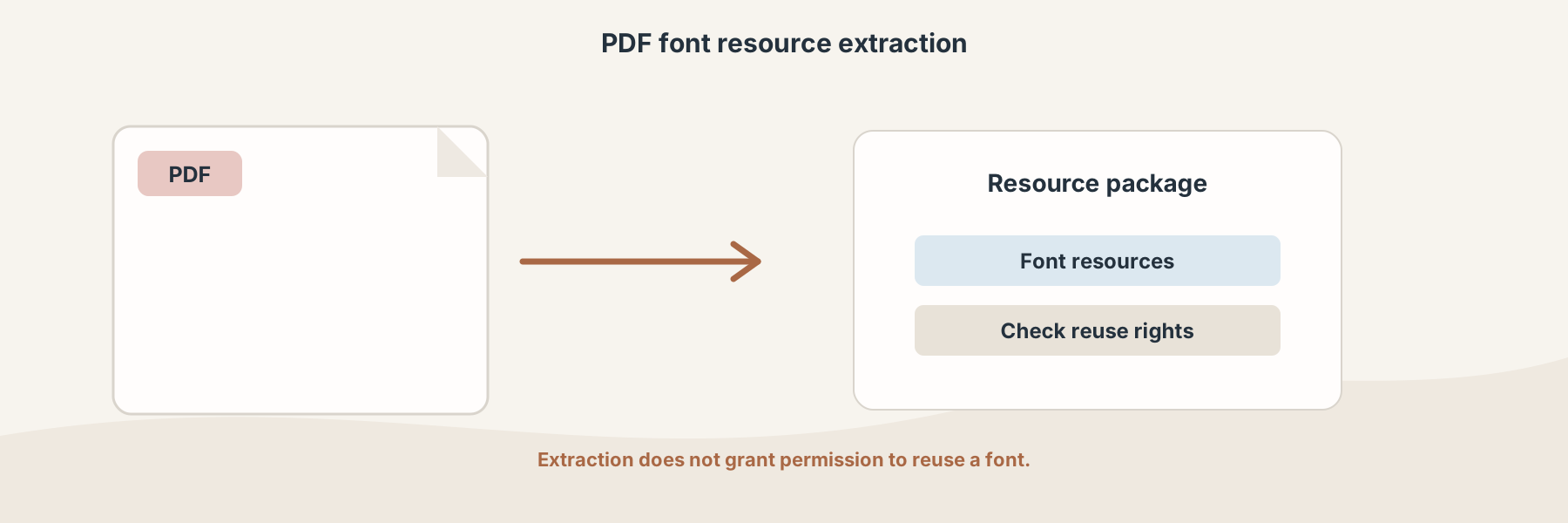
A PDF can contain font resources that support its page rendering.
Why extract a font from a PDF?
Font extraction can help when you are investigating why a PDF renders differently, checking what a document embeds, or handing resources to a person who is responsible for the original design workflow. It is an inspection and packaging step, not a way to turn a PDF into a fully editable source file.
Extract PDF Fonts returns a package of font resources and a manifest when the source contains extractable fonts. The package should be reviewed rather than assumed to contain every font named in the document.
Embedded does not mean reusable
The fact that a font is present in a PDF does not grant permission to install, edit, redistribute, or use it in another project. Font licenses can restrict embedding, extraction, or reuse. Check the license and the rights attached to the document before doing anything beyond inspection.
A careful workflow
- Choose a PDF you are authorized to inspect.
- Run the font extraction operation.
- Open the returned package and read the manifest.
- Match the extracted resources to the document that used them.
- Confirm licensing before reusing any font outside the original PDF context.
Extraction can also fail or return fewer resources when a document uses unusual font structures, subsets, or no embedded font at all. The PDF remains the authoritative visual reference.