“Resize a PDF” can mean two different things. Some people want a smaller page, such as an A4-style output. Others want fewer bytes so the file can pass an upload limit. Those are separate operations.
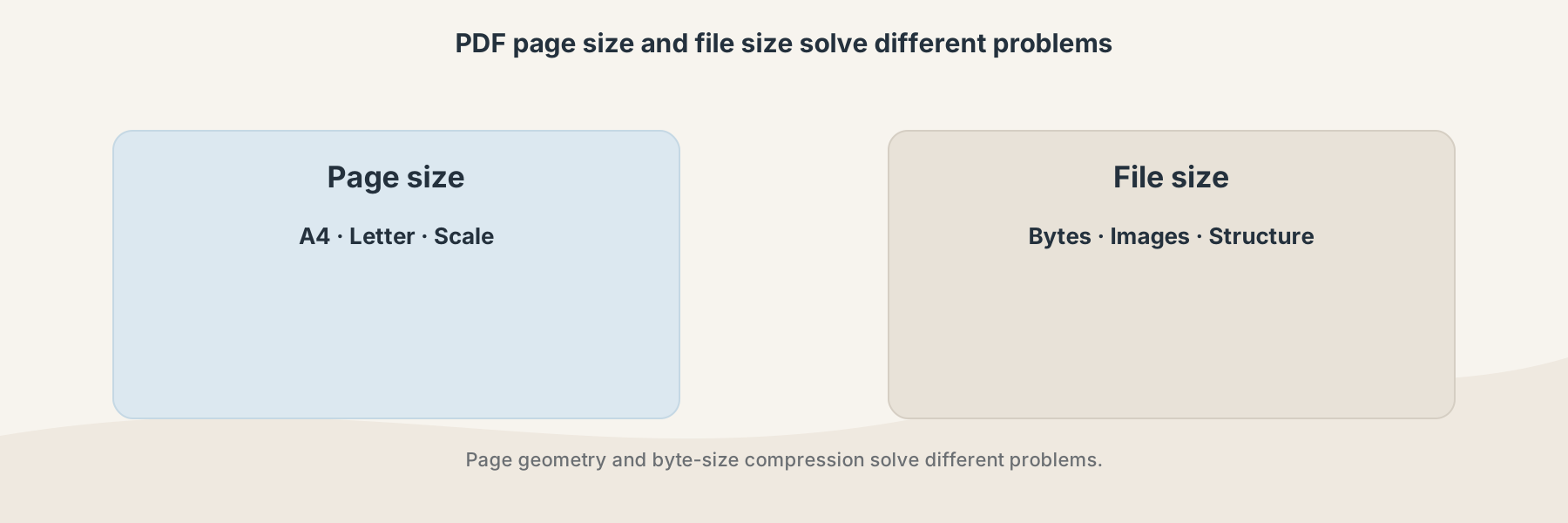
Changing page geometry and reducing file bytes solve different problems.
Page size and file size are not the same
Page size describes the dimensions of each PDF page. File size describes how much data the document occupies on storage. A PDF can have small pages and still be large because it contains high-resolution images. A large page can also contain very little data.
Filivox's Resize PDF currently applies a fixed scaling operation to page content and dimensions. It is not a freeform mobile page-size editor, and it is not the same as Compress PDF.
A practical mobile workflow
- Decide whether the problem is page geometry or upload size.
- Keep the original PDF before processing.
- Use Resize PDF when the page itself needs to be scaled.
- Use Compress PDF when the byte size is the problem.
- Open the result on the phone and check text, page boundaries, and readability.
Scaling a page can affect margins, small text, annotations, and the visual relationship between content and page boundaries. If the document is being prepared for printing, check it on the printer or layout system that will receive it.
Which result should you keep?
Keep the original as the editable reference. Keep the resized copy only when its page proportions and readability match the intended use. If a form, signature, or precise page geometry matters, validate those details before submitting the file.