MP3 and WAV are not interchangeable versions of the same audio file. MP3 is designed to keep audio compact through lossy encoding. WAV commonly carries uncompressed PCM audio, which makes it much larger but useful for editing and processing.
The better format depends on what happens next. A small file for listening and sharing points in one direction; a source for editing or analysis may point in another.
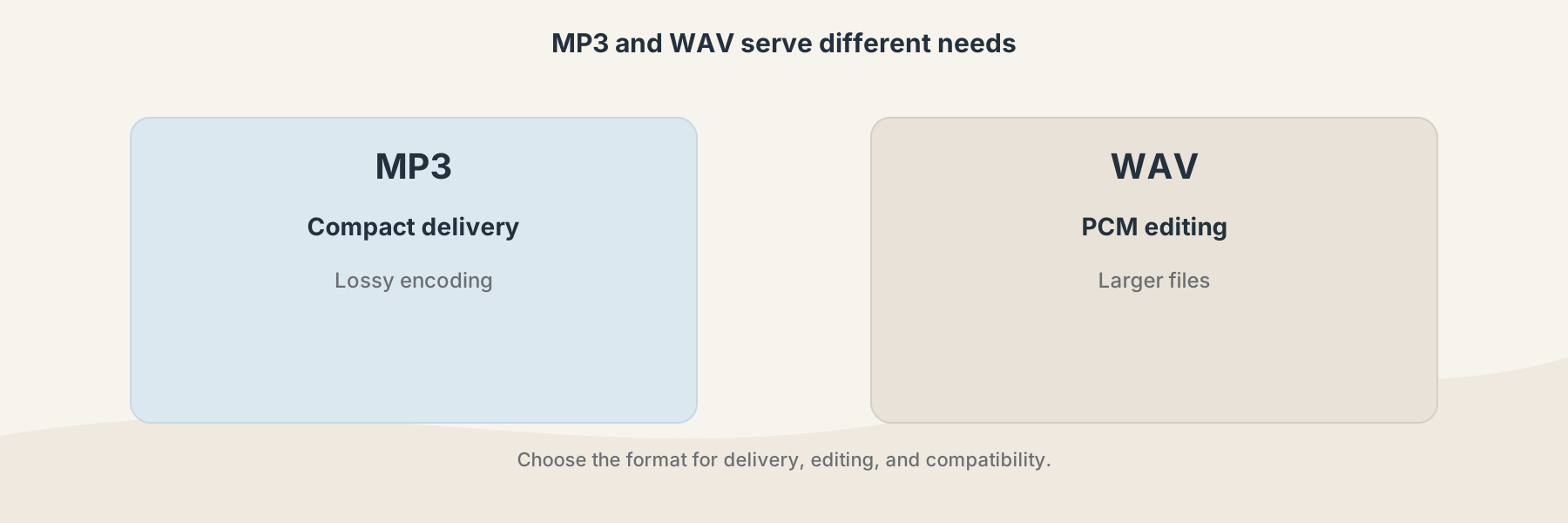
MP3 favors compact delivery; WAV is commonly used when an editing workflow needs PCM audio.
Quality is not just a file extension
An MP3 has already been encoded with a compression decision. Converting it to WAV can make the file easier for a tool to open, but it cannot restore detail removed during the original MP3 encoding. A larger WAV made from an MP3 is still based on the MP3 source.
WAV is not automatically better for every use. It is often much larger, and a WAV exported for delivery may be unnecessary when the recipient only needs convenient playback.
Which format fits the job?
Choose MP3 when compact storage, email, quick sharing, or broad playback matters most. It is common for finished listening copies.
Choose WAV when an editor or analysis tool expects PCM audio, when you need predictable sample data, or when you are keeping a working master. Check the sample rate, channel count, and bit depth required by the next application.
Filivox provides MP3 to WAV and WAV to MP3 for directional conversion. Audio Converter covers the current supported audio profile when a more general rewrite is appropriate.
A simple decision process
- Identify whether the file is a working source or a delivery copy.
- Check what format the next player, editor, or upload service accepts.
- Keep the original before converting.
- Listen to the result and compare its duration and level with the source.
If the source is already MP3, exporting it as WAV is mainly a compatibility step. If you need an editable master, start from the highest-quality original available rather than repeatedly converting the same compressed file.