Two PDFs can look identical while behaving very differently. In one, you can select and copy the words. In the other, every page is an image and the words only look like text. The right workflow depends on that difference.
Start with one simple test
Open the PDF and try to select a sentence. If the letters can be selected, the file already has a text layer. PDF to Text or Extract PDF Text can read that layer and write a plain-text result.
If you cannot select the words because the page is a scan, a text extractor has nothing reliable to read. That is where OCR PDF belongs: it interprets the page pixels and creates searchable text from them.
Existing text is not the same as recognized text
Text extraction copies information the PDF already stores. It is usually the simpler path, but the reading order can still be surprising in columns, forms, or heavily designed pages.
OCR is an interpretation. It can be very useful for a scanned contract, receipt, or archive, but it can also confuse similar characters, lose table structure, or misread a skewed line. Names, account numbers, dates, and legal wording deserve a visual check against the original page.
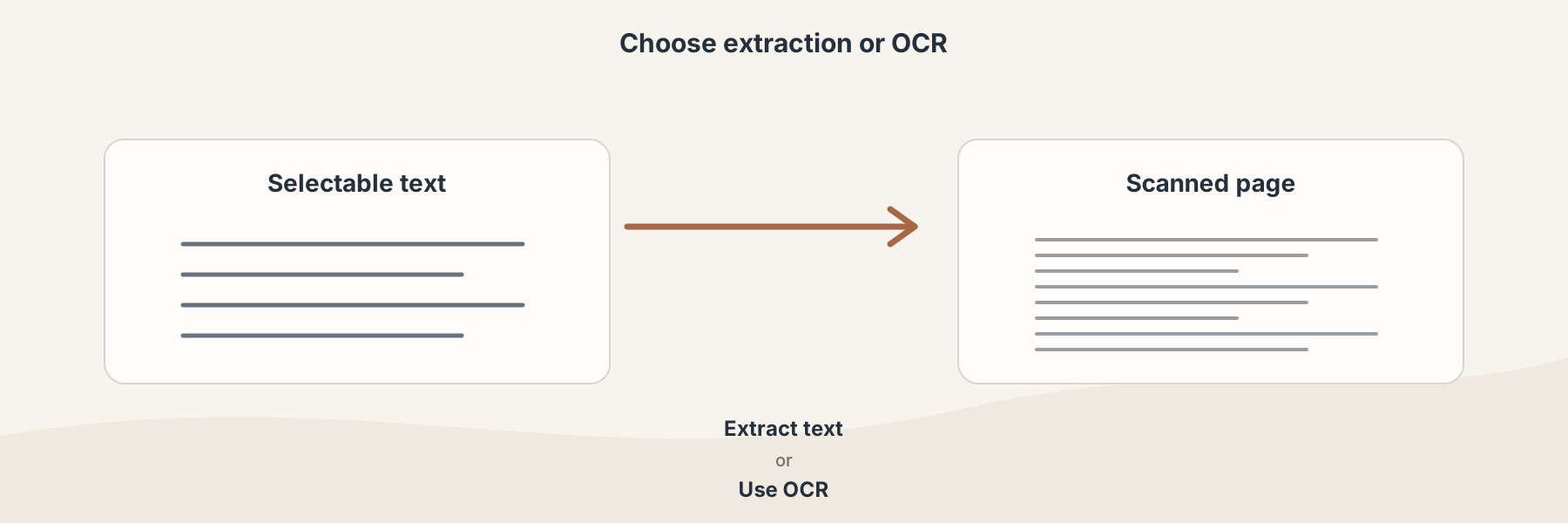
Selectability is a useful first signal, but the result still needs review when the document matters.
A practical decision table
| Source PDF | Better first step | What you receive |
|---|---|---|
| Text can be selected | PDF to Text or Extract PDF Text | Plain text from the existing text layer |
| Pages are scanned images | OCR PDF | A PDF with recognized, searchable text |
| You need an editable document | OCR to Word or PDF to Word, depending on the source | DOCX content that still needs checking |
| You need table data | OCR to Excel or PDF to Excel, depending on the source | Spreadsheet data that should be verified |
Prepare the source before OCR
Straight pages with good contrast give OCR a better starting point. Remove unnecessary blank pages, make sure the scan is not too small, and avoid judging recognition quality from a low-resolution preview. If the source is a photograph, straighten it before asking recognition to read it.
What Filivox does not promise
Neither extraction nor OCR is a certification of the source. A text file can preserve words while losing layout, and an OCR result can contain recognition mistakes even when the page looks clear. Keep the original PDF and validate the returned text before using it for a decision, record, or publication.